




How Many Devices One VPN Account Covers

Most people pick a VPN plan by the 'supports X devices' line, then find at night that only one device stays connected while the phone, tablet and laptop fight over the rest. Here is how the two numbers are actually counted, Android and iPhone included.
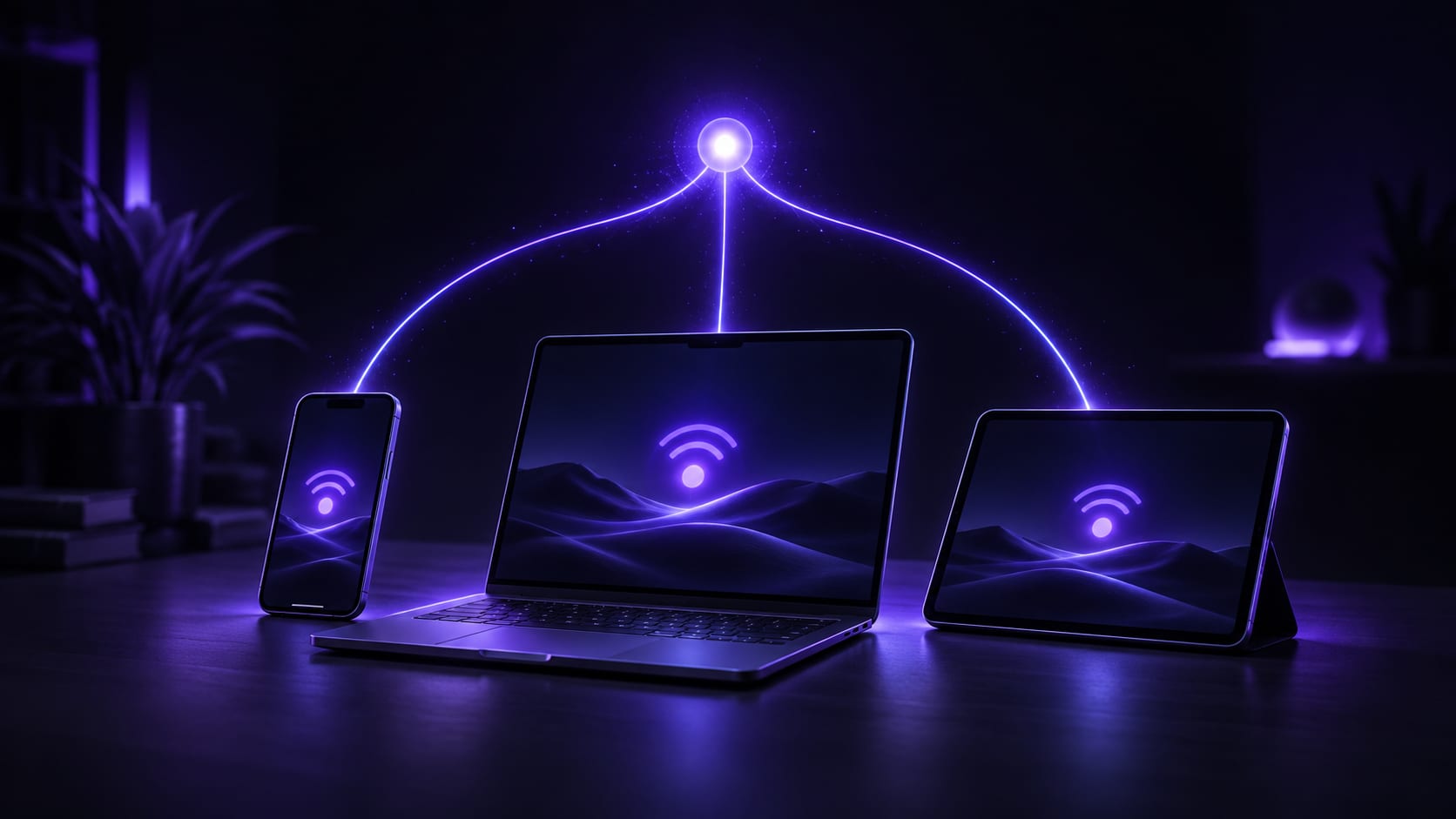


Whether one VPN subscription is enough has nothing to do with how many devices it has ever been installed on, and everything to do with how many stay connected at the same time. The first number is the device limit; the second is the simultaneous-connection limit. Providers blend the two in marketing copy, so it is worth separating them before buying, especially in a household running both Android and iPhone.
The most common way people find this out the hard way: a phone, a computer and a streaming box all carry the same account, and by evening only whichever device connected first stays online while the rest keep asking to log in again. It looks like "not enough devices." It is actually a simultaneous-connection limit nobody checked.
This piece goes in order: how to count what is actually needed, what the number on the plan really means, and the situations where people miscount most. That way the decision does not depend on guessing what support will say.
Why this number gets underestimated
It gets underestimated because most people count only their own devices and forget the ones borrowed occasionally: a kid's homework tablet, a family member logging into a laptop for five minutes. Each borrow looks harmless at the time. Added up, they usually fill the simultaneous-connection limit.
The other blind spot is a single person's own work device. A work laptop connected all day, then a personal phone and computer in the evening, looks like two separate situations. The account sees three devices online at once regardless of when each session started.
Android-and-iPhone households have a third wrinkle: old handsets swapped out but never logged out. A phone sitting in a drawer, still authenticated, still holds a slot.
Start by counting devices that are actually online together
Before counting devices, split them into "regular" and "occasional." A phone and the computer used daily are both online at the same time most days, so treat those as the hard requirement. A tablet, a spare phone or a work computer are "occasional" and do not need to be counted as connected every single day.
A living-room streaming box or a whole router counts too. Connecting the account directly on either one uses a slot from the same simultaneous-connection pool as the phone and the computer; it is not a free extra.
- Phones, including any Android or iPhone spares
- The computer used for daily work or study
- A tablet
- A streaming box or screen-mirroring device
- A router connected as a whole, if that is the setup
Running through these five categories gives a realistic simultaneous-connection number, rather than guessing or repeating a generic figure from marketing copy.
The device limit and the simultaneous limit are not the same thing
"Supports 5 devices" almost always refers to the device limit: the total number of devices an account can be installed and logged into. The simultaneous-connection limit is separate. It is how many of those can actually be connected at the same moment, and it is usually a smaller number.
The reason to track them separately is simple: a device that is installed but not connected does not use a simultaneous slot. Five devices can all stay logged in while only two are actually online, with no conflict. The conflict only shows up the moment a third one tries to connect at the same time.
Three checks for whether a plan is actually enough
Do not judge a plan by the "supports X devices" headline alone. These three checks together tell you whether it really covers a household or a single busy user.
The simultaneous-connection ceilingThis is the most direct test. Count how many "regular" devices came out of the list above, and make sure the simultaneous limit covers at least that number, with one spare slot for something unplanned: a friend visiting, a backup phone on a trip.
Whether Android and iPhone are counted separatelyWhat people searching for an Android VPN plan are often really asking is this: do Android devices and iPhones draw from the same pool. Most plans do not separate by platform. They count total simultaneous connections instead, so a household mixing Android and iPhone just adds both into the regular-device count rather than buying two separate plans.
Whether swapping phones counts as adding oneA new phone does not make the old one log out on its own; the account still sees two devices. Left unmanaged, the device limit fills up gradually, and it is the new device that ends up blocked when the ceiling is finally hit.
Situations where the math goes wrong
A few patterns account for most of the miscounts people run into.
- Reading only the number in the ad copy without checking whether it means the device limit or the simultaneous limit
- Sharing one account across a family but estimating "one device per person," which misses tablets and streaming boxes
- Never logging the old phone out after switching, so it quietly holds a slot
- Adding an extra device while travelling and forgetting to remove it afterward, tying up a simultaneous slot long-term
What actually happens the moment the limit is hit
Hit the simultaneous-connection ceiling, and the device that loses out is whichever one tried to connect last, not a random one already online. A phone or computer already connected does not get bumped just because a third device wants in; the new connection just sits on connecting or asks to log in again, which is the clearest sign the ceiling has actually been reached.
There are only two ways through it: log out a device that genuinely is not needed right now and free up its slot, or wait for a session that has gone idle for a long time to get cleared automatically, since most account systems eventually reclaim a slot from a device that has gone quiet, though exactly how long that takes is not fixed. Logging out manually is always faster than waiting for that cleanup.
Needing to log an old device out almost every day just to make room is a sign the plan's simultaneous limit is genuinely too low for regular use. At that point a higher-device tier is the fix, not repeating the same workaround daily.
Sharing account access is convenient, and that cuts both ways
One subscription covering several devices is convenient in a very direct way: nobody pays per device. But a password does not know who is typing it. Whoever has it can put a device into one of the simultaneous-connection slots, and that convenience is the same fact as anyone with the password being able to connect.
What gets forgotten is the people who should not really count anymore: a friend who borrowed it once, a former roommate who moved out, a coworker who left without anyone thinking to change the password. None of them necessarily mean any harm. Nobody ever actively disconnected them, and the slot stays occupied regardless, leaving the household puzzled about why it never has enough room despite counting so few devices.
Running short on simultaneous slots for no obvious reason is worth checking against an unfamiliar device staying connected before jumping to a higher tier. Reviewing who is actually connected now and then does more good than a more complicated password.
How FastOrange handles multiple devices
FastOrange lets one subscription cover multiple devices at once rather than charging per device, and Android, iPhone, Windows and macOS are all counted the same way. VIP tiers leave more room on the device count, which suits a household or small team that regularly has several devices online together.
Before switching phones, log the old one out first, then connect the new device. That keeps a simultaneous slot from staying tied up for no reason. Exactly how many devices each tier covers is best checked on the order page at the time, since that number moves with the plan and would go stale printed here.
The count is visible inside the app rather than something to keep track of on paper: the Devices screen lists everything currently signed in.

In summary
Whether a VPN subscription is enough comes down to three steps: count how many devices are actually online together, check whether the plan's number means the device limit or the simultaneous limit, and leave one slot spare for anything unplanned. Doing all three usually rules out both buying too little and overpaying for more than needed.
FastOrange gives every registered account free trial time daily, so it is easy to test a few household devices at once and see whether they crowd each other out before deciding anything long-term. For splitting a plan by number of people rather than devices, see how to split a family plan.


 High speed
 Millions of users
 24/7 Support
Get the Fast Orange App
One App. Every Platform. A More Stable Connection.
Available for Windows, macOS, Android, and iOS. Use One Account Across All Your Devices and Start with a Free Trial.
High speedMillions of users24/7 SupportDownload Fast Orange
 Choose your platform
Download Fast Orange
Switch between Windows, Android, iOS, and macOS




