




Is Using a VPN Safe? Where the Risk Actually Comes From

"Is a VPN safe" is hard to answer in one line, because the risk was never really about the VPN itself — it's about which of four sources has a problem: the provider, the app, the device, or your habits. Split apart, it's clear exactly what you're actually exposed to.
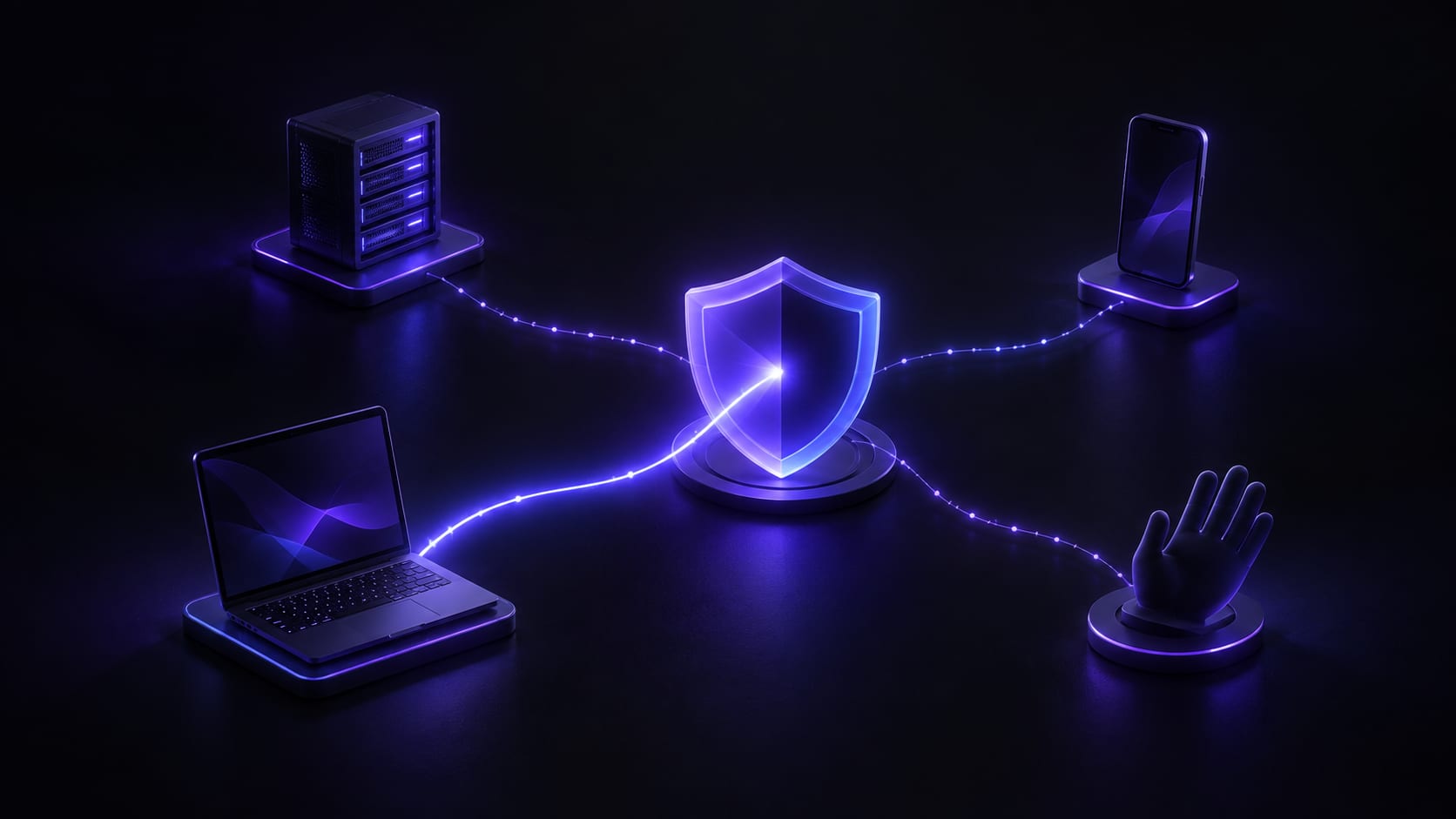


"Is using a VPN safe" is hard to answer in one sentence, because it's the wrong question. The risk was never really about the concept of "a VPN" — it's about which of four specific sources has a problem: the provider, the app, the device, or your own habits. Ask about all four at once and the only honest answer is a vague "it depends." Split them apart, and each one has a clear, checkable answer.
The same person using the same VPN might have zero issues at the provider layer while tripping over their own habits — reusing the same password everywhere, say. Or they might have carefully vetted both the provider and the app while the device itself has been compromised for a while already. Asking "is it safe" as one blanket question buries the question that actually matters: which layer the risk sits in, and each layer answers to a different party — some of them the provider, the rest only you.
Here are all four sources, one at a time, then the part of the risk that never changes regardless of whether a VPN is running, and finally what to do about each layer. Of the four, only one is something a VPN provider genuinely controls — the other three, the answer stays in your hands the whole time.
The provider itself
What a provider can see, what it retains, and how it actually makes money directly sets the risk at this layer. The instant a connection is established, any provider technically handles your connection information for a moment — that's just a precondition for routing to function; what actually separates providers is whether that information gets written into a long-term record afterward, and what funds the company's operations.
A vague privacy policy, or a product whose company background and operating history can't even be verified, means higher risk at this layer by default. What a no-logs policy actually promises covers exactly how to judge whether a policy was written carefully — the more specific it gets, the more it holds up to scrutiny.
The app itself
Something marketed as a VPN isn't guaranteed to actually do what a VPN is supposed to do. Some collect more than they need; some are outright counterfeit apps built specifically to exploit "privacy" and "security" as selling points while doing the opposite.
The risk at this layer, in the end, has nothing to do with the technology called "VPN" and everything to do with whether this specific app has a problem — two things both called a VPN can be worlds apart in how safe they actually are, with barely any visible difference on the surface. How to spot a fake VPN app covers what to check before downloading, and going through it rules out most of this risk before installation rather than after something's already gone wrong.
The device itself
If a device is already infected, or its system hasn't been updated in a long time, the risk existed before the VPN connection even started, and it stays there regardless. A VPN encrypts the network-transit leg — it doesn't scan files on the device, and it doesn't clean out malware already sitting there. This layer's risk was never something a VPN was designed to reach; it needs dedicated security software or the operating system's own protections instead.
A few questions worth asking to gauge this layer: has a system update notification been sitting there ignored, has anything from an unverified source or a cracked app been installed, has there been unusual pop-up activity or battery drain lately. None of these signals have anything to do with a VPN, yet they entirely determine how safe this layer actually is — a device that's already compromised stays compromised no matter how many VPN providers you cycle through.
Habits
Reusing the same password everywhere, clicking whatever link shows up, staying logged in on a shared device — none of the risk these create has anything to do with whether a VPN is running. Precisely because this layer feels the most unrelated to a VPN, it's the one most often overlooked, and it's also the layer real attackers exploit most often, because it doesn't require breaking any technical defense — just waiting for one lapse. In real account-takeover cases, the starting point is overwhelmingly a leaked password or a phishing link — far more often than "the VPN got broken," which sounds more technical but happens far less in practice.
The part of the risk that never changes
A site recognizes the account you're logged into, not your network address — that stays true no matter what the VPN is doing. Switch to a node in a different region, and the account you're logged into still knows exactly who you are, bookmarks and history intact. Whether a phishing page can steal a password depends on whether you actually looked at the URL, not on whether the connection in transit was encrypted — a VPN is never bypassed here, because judging whether a page is a phishing attempt was never its job in the first place.
Whether a password has been leaked before, and whether two-factor authentication is turned on, is a defense that operates entirely outside the network layer. If some unrelated site's database leaks and the password inside matches, an attacker just tries the leaked password directly — no need to touch your network connection at all. This risk is the exact same risk with or without a VPN; it doesn't shrink because there's an extra layer of encryption, and it doesn't grow because you switched to a different region either.
Put these four layers next to this unchanging risk and a pattern shows up: the only thing a VPN can actually improve is transit security and region handling at the provider layer. The other three — whether the app is trustworthy, whether the device is clean, whether habits are careful — are entirely up to you from start to finish; a VPN neither makes them worse nor automatically makes them better. The reverse also holds: when something goes wrong, don't rush to blame the VPN first — odds are it's one of the other three layers.
What to actually do, layer by layer
Judge a provider by what it actually explainsThe more specific a privacy policy gets — what's never collected, what's kept briefly, for how long — the more it deserves trust. One that only says "completely safe" or "unbreakable" with no detail behind it is worth a second look, as is a company whose background and founding date can't be verified at all.
Only download the app from an official channelThe official website or the app store's official listing is the most basic form of verification. Spending ten extra seconds confirming the domain and publisher before downloading beats regret after installing — a top search result or an ad slot isn't necessarily the real one, and counterfeit apps buy exactly those positions year-round.
Update the device when it asks to be updatedSystem updates often carry important security patches; putting them off just leaves a known hole open for someone else to use. This step has nothing to do with a VPN and is one of the most overlooked layers — clearing out old apps you no longer use is worth doing here too, as routine upkeep.
Don't reuse passwords, and turn on two-factor authenticationA password manager generating unique passwords, paired with phone-based two-factor authentication, is what this line of defense is actually supposed to do. Get this right, and even if some unrelated site's database leaks, the damage doesn't spread to your other accounts — including the VPN account itself.
Check it yourself instead of trusting the marketing aloneTake two minutes after connecting to check whether DNS resolution actually went through the tunnel and whether the exit IP genuinely changed region — that's far more reassuring than trusting the "connected" icon alone. Checking for a DNS leak covers a concrete way to do exactly that. It doesn't take long, and it's the difference between feeling safe and having actually confirmed it — a difference that only shows up once something's already gone wrong.
In summary
Split apart, "is using a VPN safe" comes down to the state of four separate layers — provider, app, device, habits — not the technical concept of a VPN itself. Three of the four have little to do with the network layer at all; what a VPN can cover has always been limited to the provider and transit piece, and the risk in the other three layers doesn't shrink just because there's an extra layer of encryption running.
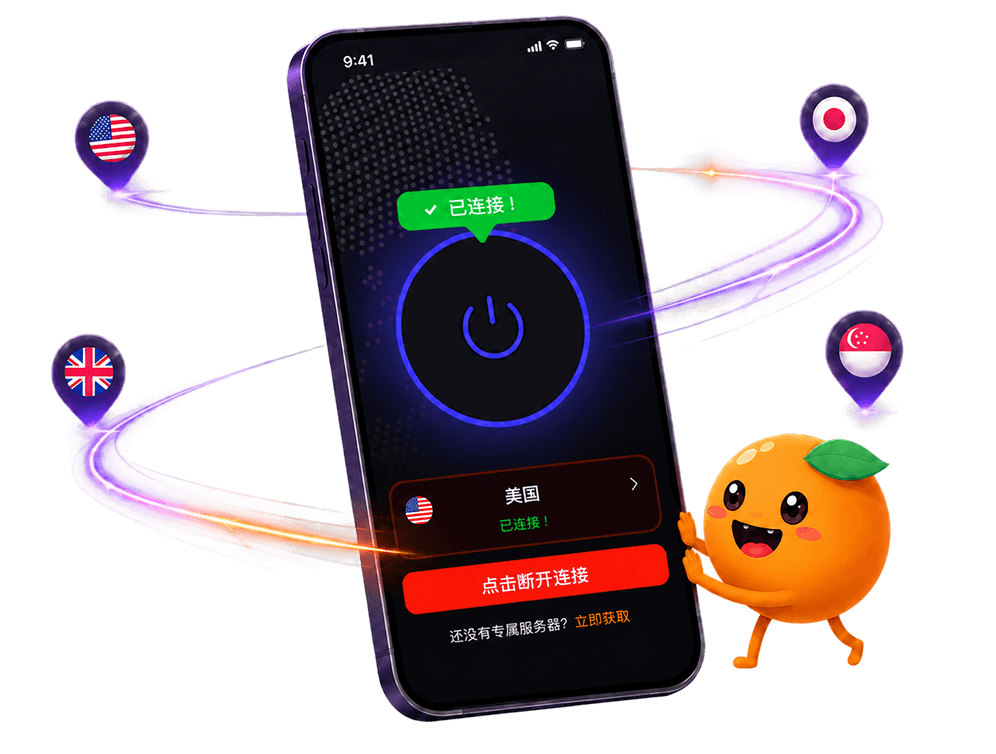
FastOrange keeps the provider layer public — the no-logs policy and the encryption method — and distributes its app only through official channels; those are the two layers we actually control, laid out on the security page. The device and habits layers are still yours — no product anywhere can take those two over for you. Every account gets free daily trial time after signup if you want to see for yourself how clearly the provider layer holds up — see the details.

 High speed
 Millions of users
 24/7 Support

Get the Fast Orange App
One App. Every Platform. A More Stable Connection.
Available for Windows, macOS, Android, and iOS. Use One Account Across All Your Devices and Start with a Free Trial.
High speedMillions of users24/7 SupportDownload Fast Orange
 Choose your platform
Download Fast Orange
Switch between Windows, Android, iOS, and macOS