




What Public Wi-Fi Actually Puts You at Risk Of Now

"Public Wi-Fi isn't safe" is only half true now. Content is mostly shielded by HTTPS, but fake hotspots, login portals, and DNS resolution are still exactly as risky as before.
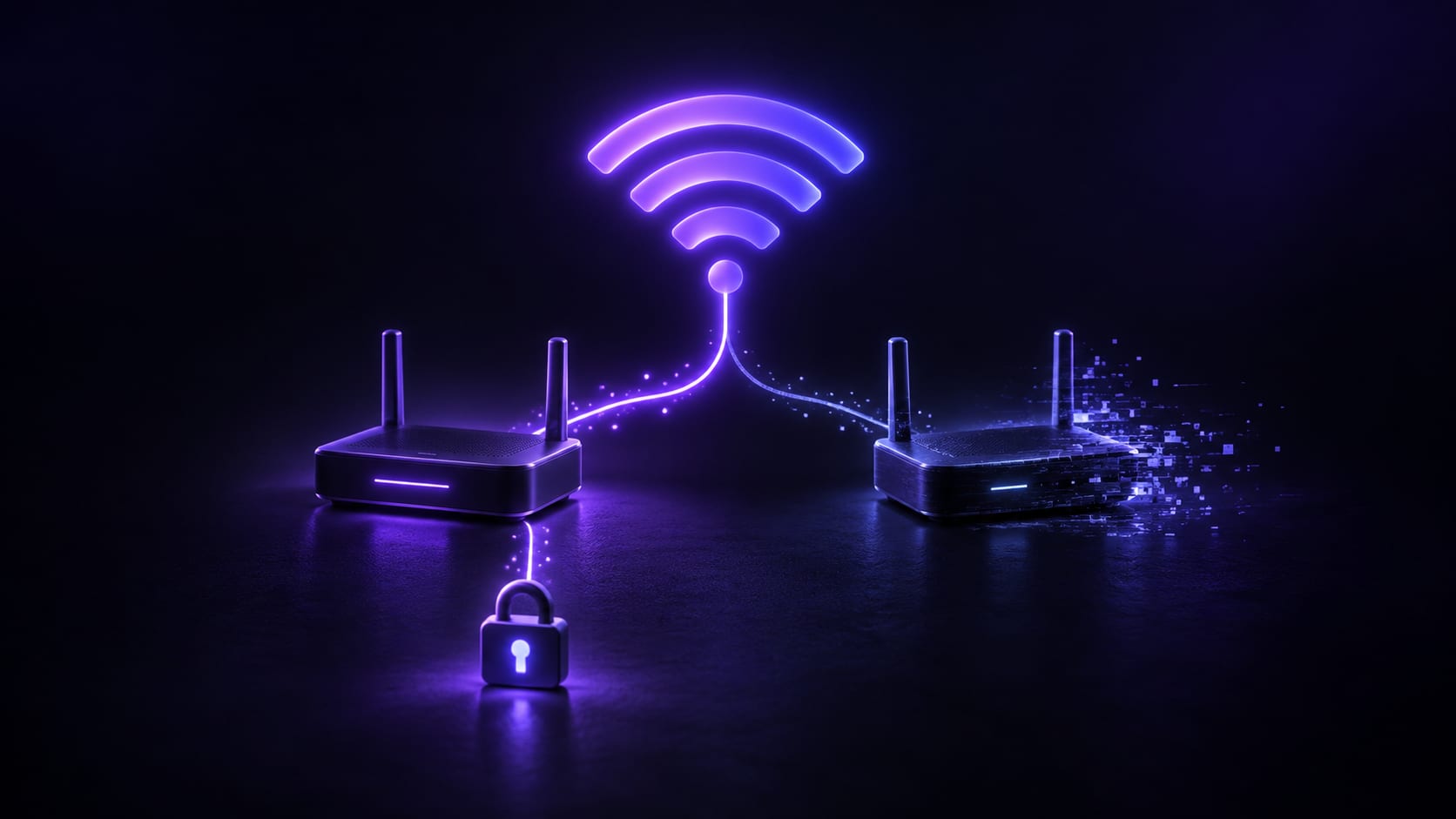


"Public Wi-Fi gets snooped on" is only half true these days. HTTPS has spread to essentially every normal site and app over the past few years, so someone sharing a café or airport hotspot who actually sniffs your traffic gets back a pile of encrypted noise — not what you looked at or typed.
That does not mean public networks are risk-free now; the risk simply moved. The old worry was content being read. What still holds up is whether the network is actually what it claims to be, and whether DNS resolution — the step HTTPS does not touch — has been tampered with. Both are harder to notice than content leaks, because everything still looks normal: the page loads, the icon is still green.
The things that still work on attackers rarely rely on anything technically clever — mostly they lean on habits: filling in whatever login box pops up, connecting to a familiar-looking name, clicking past a certificate warning because it's in the way. There is only so much a tool can do; the rest still comes down to a second look.
Here is what is actually still risky on public Wi-Fi versus what HTTPS has already handled, which situations carry more risk, what to do about it, and where a VPN stops being able to help.
What you can stop worrying about, post-HTTPS
The old "anyone can grab your password on public Wi-Fi" scenario assumed the site itself sent things in the clear. Browsers now flag non-HTTPS sites directly, and search rankings favor encrypted sites too, so almost everything you actually use today is already encrypted end to end.
Plain traffic sniffing, in other words, is mostly a dead end against a normal HTTPS site. Someone on the same network can see which address you connected to and how much data moved, but not what was inside it. Cross that one off the list.
The risks that still hold up
Once content leakage is off the list, what's left isn't smaller — it's more targeted.
A fake hotspot impersonating the real one
Cloning a network's name — sometimes with a stronger signal, too — is the cheapest attack there is. Once you connect, your traffic passes through the attacker's device before going anywhere else, and none of it required cracking a password, just picking the wrong network with a similar name. Some fake hotspots do not intercept anything at all; they just quietly forward traffic, purely to earn your device's trust before tampering with DNS or a login page later.
A captive portal that asks for a password on the spot
The "log into a portal before you get online" pattern at airports and hotels is fine on its own, but it trained everyone into a habit: fill in whatever login box appears. A fake portal exploits exactly that habit, copying a carrier's login page and asking directly for an account and password — no sniffing required, since you typed it in yourself. These pages are often close copies, logo and colors included, so "does it look legitimate" is not a reliable test.
DNS resolution getting tampered with
Content can be encrypted while DNS resolution still happens in the clear. A compromised gateway can point your domain lookup at an address it chose instead of the real destination — which is exactly why "the content is encrypted" does not mean "the whole path is safe." DNS leaks covers this same layer in more depth.
A certificate warning clicked away without reading it
A browser's "this certificate is not trusted" warning gets clicked through by most people in a hurry to get online. That warning exists specifically to flag a possible device sitting in the middle — once clicking past it becomes reflexive, it stops doing anything useful at all.
Which situations carry more risk
Not every public network carries the same risk. Places with heavy foot traffic, constantly changing devices, and looser oversight are the ones to be more careful about:
- Airport waiting areas — dense with hotspots, and a fake one hides easily among the real ones
- Large conferences and temporary event venues — the network is often set up on the fly, and even staff may not know its exact name
- Hotel common areas — the lobby and the rooms often run on two different networks with near-identical-looking portal pages
- A chain café in an unfamiliar city — the same name everywhere makes cloning trivial
By contrast, a network you use long-term with a known administrator — your office, your school — carries much less risk, and is a reasonable place to handle things you'd otherwise put off.
What's worth doing, before and after connecting
Skip it if the name doesn't matchConfirm the exact network name with staff, especially when two nearly identical names show up at once. The one with the stronger signal that skips the password is the one to be suspicious of, not reassured by.
Use the portal page only to get onlineIf a portal asks for more than what's needed to confirm you're online — an email password, card details — close it and pick a different network. A normal portal never needs those.
Don't wave through certificate warningsIf a certificate warning shows up, try the same site on a different network. A warning that only appears on one specific network is a problem with that network, not the site.
Let the tunnel handle DNS tooEncrypting content while DNS still resolves locally only solves half the problem. Pick a tool that takes over DNS the moment it connects, so lookups and content travel the same encrypted path and no gateway in between gets a chance to interfere.
Save sensitive tasks for a network you already trustBanking logins and password changes can usually wait until you're on a network you already trust, rather than being handled the moment you join an unverified public one. If the connection drops and a login box reappears out of nowhere, check whether it's just kill switch behavior before typing anything into it.
What a VPN does not protect against here
A VPN puts your traffic and DNS lookups into one encrypted tunnel, so others on the same network cannot read the content or easily redirect it by spoofing the gateway. That covers the network-path layer of the problem.
What it cannot cover is a choice you make yourself. If a fake portal asks for a password and you type it in, that information left your hands on purpose, regardless of encryption; if the device itself is already infected, a VPN will not clean that up either; whether to click past a certificate warning is still entirely your call — a tool can only surface the warning, not decide for you.
Put another way: a VPN protects whether data gets seen or altered in transit, not what you actively choose to do on a given page. Part of the risk on public networks really is at the network layer; the other part is always this kind of judgment call, and no tool makes that one for you.
In summary
HTTPS solved public Wi-Fi's oldest problem — content being read. What still holds up is fake hotspots, phishing through captive portals, DNS tampering, and certificate warnings clicked away without a second thought. None of those four are stopped by content encryption alone; they come down to whether the path itself is clean, and whether you pause on the pages that matter.
The everyday version is simple: confirm the network name, use portals only to get online, don't wave through certificate warnings, and save sensitive tasks for a trusted network. FastOrange takes over DNS the moment it connects, and paired with the encryption described on the security page, that keeps the network-path risk low — but whether to type a password into a portal, or click past a warning, is still your call. Every account gets free daily trial time after signup, so see the details if you want to try it first.


 High speed
 Millions of users
 24/7 Support

Get the Fast Orange App
One App. Every Platform. A More Stable Connection.
Available for Windows, macOS, Android, and iOS. Use One Account Across All Your Devices and Start with a Free Trial.
High speedMillions of users24/7 SupportDownload Fast Orange
 Choose your platform
Download Fast Orange
Switch between Windows, Android, iOS, and macOS