




Using a VPN for Payments and Online Banking, Safely

What a bank's risk engine actually checks is whether this login's region matches your usual pattern. Running a VPN isn't usually the problem — switching regions partway through a payment is the one thing most likely to trigger extra verification.



What a bank's or payment platform's risk engine actually checks is whether this login's region matches your usual pattern — not whether you're using a VPN. Running a VPN is, to most risk rules, just a login originating from some region; what actually tends to trigger extra verification is switching regions partway through a payment.
That distinction matters, because the first instinct for a lot of people is to blame "the bank hates VPNs" and then look for a way around the risk engine — which usually means doing the one thing the risk engine is most sensitive to: switching nodes mid-session. In practice, logging in and paying from one consistent region carries far less risk than people assume.
Another common misunderstanding is treating "asked for extra verification" as "something's wrong with my account." An extra check usually just means the system noticed this login doesn't quite match your usual pattern and wants to confirm it's really you — it doesn't mean the account is flagged for trouble, and panicking into repeated retries is much more likely to turn a routine check into an actual problem.
Here's what a bank's risk engine is actually watching, what a VPN does and doesn't change about that, when the risk runs higher, and how to handle an entire payment safely.
What banks and payment platforms are actually watching
The core logic of a risk engine is anomaly detection, not VPN detection. It keeps a rough record of an account's usual region, device, and time of day, and when a login diverges too far from that history, it flags risk — anything from an SMS code or face verification up to a temporary hold on transfers or large transactions. None of this logic targets VPNs specifically; it targets "different from usual" as a concept. Someone on a fixed home connection who logs in from a city they've never visited on a business trip gets caught by the exact same rule.
A VPN changes the region your exit IP maps to, which can itself register as one "inconsistent with history" event — but as long as every login afterward keeps using that same new region, the system quickly treats it as the new normal. What actually puts a risk engine on alert is a region flipping back and forth within one session or a short window — a pattern that shows up constantly in real account-takeover cases: an attacker who has a stolen password typically probes from their own region first, then moves fast once it works, and that sequence tends to come with exactly this kind of region and device churn. The system is sensitive to that jump not because switching itself is against any rule, but because it looks so much like real fraud.
What a VPN actually does here
What a VPN does is straightforward: it swaps your exit IP for one in another region and encrypts the content in transit. The region a bank sees is wherever the VPN node sits, not where you physically are; the data in transit, meanwhile, can't be read by anyone else on the same network or sitting in the middle.
Both of those happen at the connection layer, and that's also mostly where a bank's region judgment comes from. In other words, a VPN genuinely does affect the region information a risk engine sees, but all it changes is what the system believes about where you are — not the account itself, the password, or the card details that risk controls actually exist to protect.
Precisely because it only changes that one layer, a VPN won't wave through something that would otherwise be blocked, and it won't get something ordinary blocked out of nowhere either — it simply replaces the "where do you usually log in from" history with one new, stable value. It takes the risk engine a little time to adjust to that new value, which is exactly why staying on one region consistently matters far more than switching every time.
When the risk runs higher
Not every VPN-plus-payment combination trips a check. The odds go up noticeably when a few of these stack together:
- The first login ever from this device in this region, with no history for the system to compare against
- An amount well outside your usual transfer pattern — risk engines are inherently more sensitive to large transactions
- A password or linked-info change made recently, which makes the system extra cautious for a while afterward
- Multiple attempts from different regions or devices on the same account within a short window
Any one of these on its own is rarely a problem. Stack them — a new phone, a node in a region you've never used, and a transfer bigger than usual, all at once — and the odds of a verification request or a temporary hold rise noticeably. Building in time to complete verification calmly beats scrambling through it under pressure.
What encryption doesn't cover
A VPN encrypts the content of your traffic in transit; what encryption actually covers goes into this in more depth. In a payment context, that stops someone on the same network from eavesdropping on what you type in. It does not stop the following.
It does not stop a checkout page that's a convincing fake — if the URL itself is fraudulent, whatever card number or password you type into it left your hands on purpose, regardless of encryption. It also does not change a risk engine's logic: a bank still verifies when its rules say to verify, still holds a transaction when its rules say to hold it, and a VPN cannot get you special treatment there. The currency, exchange rate, or cross-border fee that applies to a transaction doesn't change because you used a VPN either — those are rules set by the payment rail and the card issuer, not anything happening at the network layer.
What to actually do through a whole payment
Don't switch nodes from login to completionPick a node before you open your banking or payment page and stay on it until you're done. Even if it feels slower partway through, ride it out to the end of that one transaction and save switching nodes for before your next login.
Check the URL yourself — don't click links from email or SMSConfirm the domain in the address bar yourself before opening a payment page, especially for a large amount or an unfamiliar recipient. This has nothing to do with whether you're using a VPN — it's the single most basic, most effective defense against a phishing page.
Expect extra verification on large or unusual transactionsA large transfer from a new device in a new region is naturally more likely to trigger extra verification — that's a normal risk response, not an inconvenience the VPN caused. Complete it as prompted; there's no need to be alarmed by the extra step.
Be a little more careful paying over public networksIf a payment happens to land on a café or airport public network, that adds a separate layer of risk on top. What still holds up on public Wi-Fi mostly comes down to fake hotspots and phishing login portals — unrelated to risk engines, but still worth a careful look at the URL and the network name before entering a card number.
If a payment already got blocked
If a login or payment gets flagged for extra verification, complete it the normal way. Don't keep retrying or switching nodes because it failed once — more churn just produces more of the "anomaly" signal a risk engine is watching for, not less.
If the account is still restricted after verification, or you're told to contact the bank, the fastest path is contacting the card issuer or payment platform's support directly rather than retrying things yourself. Their view of the account's status and what triggered the flag is far more accurate than any guess; stating the one plain fact — "this login used a network in a different region" — usually resolves things faster than guessing at the rules yourself. If the connection itself is the problem, support can help confirm whether it's the node or the network at fault.
In summary
What a bank's or payment platform's risk engine watches is whether your region stays consistent, not whether you use a VPN. What actually raises risk is switching nodes back and forth during a payment, not the VPN itself. Encryption covers the content in transit — it does not stop a phishing checkout page, and it does not change a bank's risk rules or the fees that apply to a transaction.
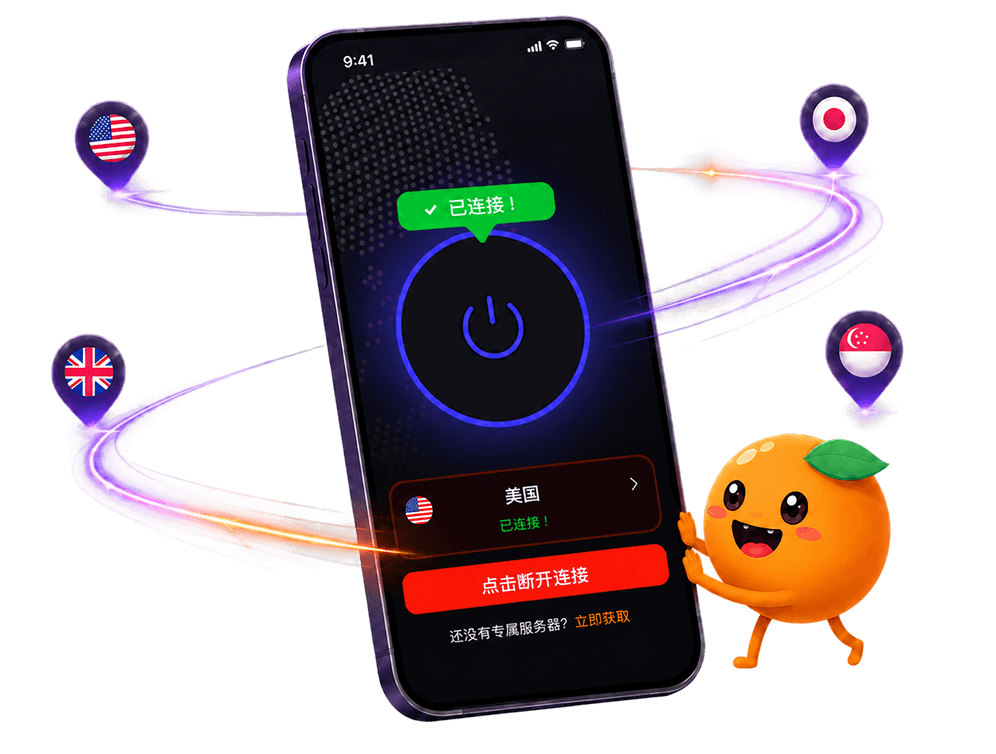
The everyday version is simple: pick one node for the whole payment, check the URL yourself, and complete verification as prompted if asked. FastOrange holds one connection steady through to the end of whatever you're doing instead of hopping nodes mid-session, and the encryption behind it is covered on the security page. Every account gets free daily trial time after signup if you want to get a feel for how stable the connection is first — see the details.

 High speed
 Millions of users
 24/7 Support

Get the Fast Orange App
One App. Every Platform. A More Stable Connection.
Available for Windows, macOS, Android, and iOS. Use One Account Across All Your Devices and Start with a Free Trial.
High speedMillions of users24/7 SupportDownload Fast Orange
 Choose your platform
Download Fast Orange
Switch between Windows, Android, iOS, and macOS