




Does a Phone VPN Really Drain Battery and Data Faster?

There is a real cost, but it comes from keeping the connection alive and encrypting traffic — not from a phone VPN secretly doing something extra. How much it actually costs you is something your own phone can measure; no vendor's number is needed.


Yes, but that is not the whole answer. A phone VPN does add a bit of extra battery and data overhead, but that cost comes from the business of keeping a connection alive and encrypting traffic — not from the app quietly doing something extra behind your back. Understanding where the cost actually comes from is more useful than memorizing any single number.
This will not hand you a percentage or a specific battery figure, because that kind of number changes completely with the phone model and the way you use it, so remembering one would not even transfer to your situation — it might actively mislead you. The more useful approach is understanding the mechanism, then measuring it yourself with the statistics already built into your phone: a result from your own phone and your own habits beats any general number.
This question usually gets asked as "how much extra does it cost," but the more useful question to answer first is "where does that cost actually go." Knowing where it goes tells you when it grows, when it is basically unnoticeable, and whether adjusting how you use it can improve things at all.
The rest of this covers where the extra cost comes from, which situations make it noticeable, and a way to reach a conclusion yourself without looking at any vendor's number.
Where the extra battery and data actually go
Encrypting and decrypting traffic takes some processing work, and that shows up as battery use. But this is the same category of cost as decoding video or running continuous GPS for navigation — nothing unique to a phone VPN, just rarely compared side by side with those.
The tunnel also has to keep a "heartbeat" — checking in with the server periodically to confirm the connection is still alive, even when no app is currently open. That heartbeat itself is tiny, but it keeps the phone's radio from fully going to sleep, and it is the increase in how often sleep gets interrupted — not the size of the heartbeat data itself — that actually causes the noticeable battery cost.
The extra data cost comes from two places mainly: the encryption protocol itself adds a header to every packet, and an unstable connection that keeps dropping and reconnecting redoes a full handshake each time. Day-to-day browsing and video watching still spend most of their data on the content itself — the images, the video frames — and that does not double just because a tunnel sits underneath it.
Splitting the two costs apart makes this clearer: the battery cost mainly comes from "keeping the radio awake," while the data cost mainly comes from "protocol headers and the occasional reconnect." The mechanisms differ, and so do the things that make each one worse — lumping them together tends to produce the wrong conclusion.
The general direction for reducing this cost is straightforward: fewer unnecessary reconnects, less time spent idling on the heartbeat. What the app does covers how a well-built connection handles this, but once the mechanism is clear, the actual difference for you is still something only your own test can answer.
When the extra cost actually becomes noticeable
In a weak-signal area, the tunnel keeps dropping and rebuilding, and each rebuild redoes the full handshake — both the battery and data cost end up clearly higher than under good signal, but the root cause is the signal, not the phone VPN being poorly built.
Staying connected for a long stretch with almost no real use is the other classic case. The heartbeat keeps running, the radio cannot properly sleep, and that cost accrues the whole time with nothing to show for it — leaving it connected all day by accident and only noticing when you get home is a common way this happens.
A phone with a large number of apps syncing, auto-updating and tracking location in the background already spends real battery and data on those activities by themselves; the tunnel just happens to be present. The actual heavy spender is that background activity, and it should not all get charged to the VPN's account.
Working out which case applies to you is not hard: think back to whether you spent a long stretch somewhere with weak signal recently, or whether the connection sat open for days while you barely opened anything that needed it. The answers to those two questions usually explain most of the felt difference on their own, often before you even run a test.
How to measure it yourself, no vendor numbers required
Step one: compare using your phone's own battery breakdownEvery phone's settings has a per-app battery breakdown somewhere. Pick two consecutive days, one with it connected the whole time and one without, keeping everything else about how you use the phone as similar as possible, and compare how much of the total this app accounts for on each day.
Step two: do the same comparison with the phone's own data breakdownData usage stats usually live in the same settings area as battery. Using the same two-day comparison, look at how much this specific app's own recorded data usage differs — not how much your total went up, since the total is mixed in with the content itself and will distort the comparison.
Step three: separate "always connected" from "connect when needed"If you suspect most of the cost comes from an idling heartbeat, try connecting only when you actually need the network and disconnecting the rest of the time, then compare that against leaving it connected constantly. A clear difference confirms idle heartbeat time as the main driver.
Step four: rule out anything else happening at the same timeCheck whether either test day happened to include a large download, navigation, or a video call — these cost real battery and data on their own, and letting them coincide with the test will get wrongly credited to the VPN.
Common misunderstandings
- Charging the battery cost of autoplaying background video or continuous GPS tracking to the VPN's account, when those activities were never cheap to begin with
- Blaming a "poorly built" tool for the drain, when the tunnel repeatedly reconnecting because of weak signal was the actual cause
- Leaving a connection open for a long stretch without using it — the single case with the most idle heartbeat time, and also the easiest one to improve simply by changing habits
- Treating someone else's felt experience on a different phone as your own conclusion, when battery-management behavior varies enormously by model and system version and the two are not really comparable
- Reading rank in a total-battery-use leaderboard as proof of a large extra cost, without ever running an actual side-by-side comparison
- A system update or a background re-indexing job happening to land on one of the test days, with its cost getting folded into what looked like the VPN's
Is it worth turning off to save battery
The extra cost is usually not large, and not noticing any real difference day to day is the common outcome. If your own test does turn up something clearly noticeable, check first whether it is a signal problem, or a connection left open for a long stretch without much use — fix either of those and most situations stop requiring any trade-off around whether to use it at all.
If testing turns up a real cost in one specific situation — long sessions in a weak-signal spot, say — adjusting habits for that one situation beats giving up on using it altogether, since whatever reason you needed it for the rest of the time has not gone anywhere. How to fix noticeable battery drain from a VPN covers more specific troubleshooting and adjustments, including a few settings that are easy to overlook.
In summary
The extra battery and data a phone VPN costs comes from the business of keeping a connection alive and encrypting traffic, and it becomes noticeable mainly in two situations: repeated reconnects from weak signal, or a connection left open for a long stretch without real use. Running your own two-day comparison beats memorizing any vendor's number, and beats taking someone else's felt impression as fact.
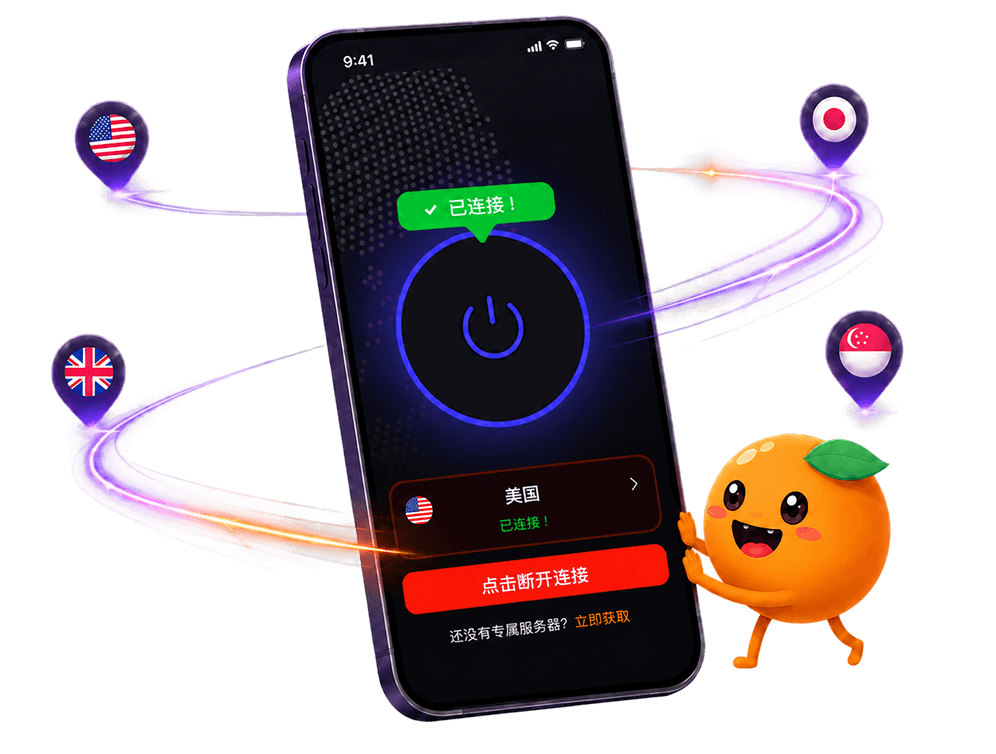
If you switch between Wi-Fi and mobile data often, that handoff itself carries a reconnect cost too, and switching between Wi-Fi and mobile data without dropping the connection covers that separately. FastOrange reconnects automatically once a link drops, cutting the cost of repeated manual reconnects — every registered account gets free trial time daily, so test it yourself before drawing a conclusion.

 High speed
 Millions of users
 24/7 Support

Get the Fast Orange App
One App. Every Platform. A More Stable Connection.
Available for Windows, macOS, Android, and iOS. Use One Account Across All Your Devices and Start with a Free Trial.
High speedMillions of users24/7 SupportDownload Fast Orange
 Choose your platform
Download Fast Orange
Switch between Windows, Android, iOS, and macOS