




VPN on a Router: Is It Worth It? Three Real Problems

A router-level VPN is appealing on paper: set it up once, and every device in the house is covered. FastOrange has no router version right now. Here is why, whether it's worth chasing anyway, and what actually works.
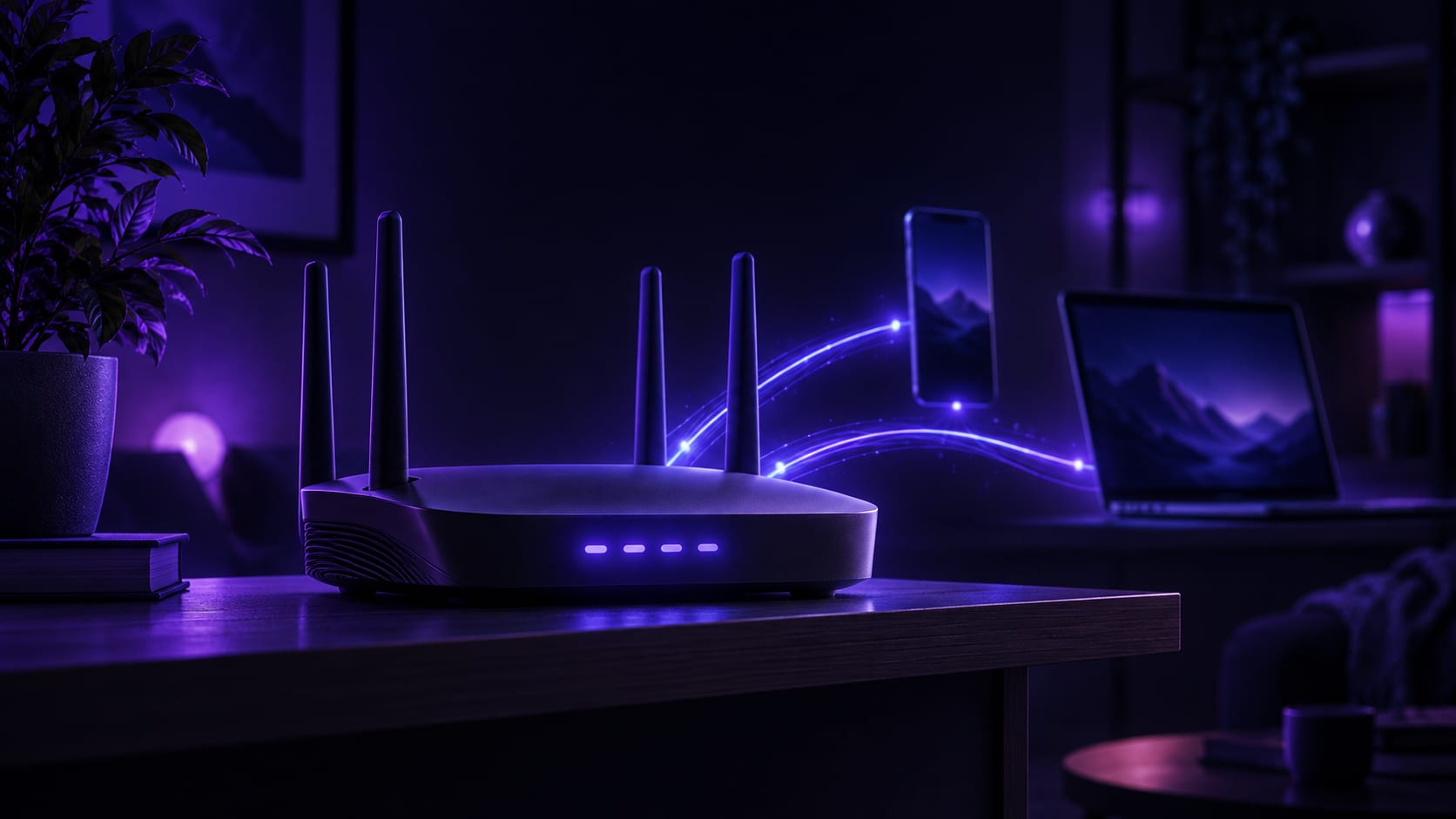


The thinking behind putting a VPN on a router is always the same: too many devices at home, installing on each one individually is a hassle, so why not set it up once on the router and have every device on that Wi-Fi covered automatically. Nothing wrong with the idea, but reality falls short of it — FastOrange has no router version right now. This isn't about "how to install it"; it's about whether the whole idea is worth chasing, and what actually works instead.
Whether it's worth it doesn't come down to whether it's technically possible. It comes down to three genuinely practical problems: not every router can run one, a whole household sharing one line means nobody gets full speed, and when it breaks, it's hard to isolate which part failed. None of these three are specific to FastOrange — they come with router-level VPN use itself.
This guide first states FastOrange's actual router support today, then walks through those three problems, and finishes with a workaround that genuinely holds up — not a hand-wave, but something that actually works without a router version. If phones and computers are the only things that matter at home, skip this and just install the client; this is written for anyone with a few devices at home that can't install an app at all, weighing whether messing with a router is worth it.
Where FastOrange's Router Support Stands Today
Said plainly up front: FastOrange today is a client app for phones and computers. There is no router firmware and no config file to import into a router. This isn't a hidden feature or something locked behind a paywall — it simply does not exist yet.
Any claim along the lines of "this router can run FastOrange" is most likely a mix-up between different products, or just inaccurate. Saying this clearly up front, rather than letting anyone spend an afternoon on it first, is the more responsible way to handle it.
What a Router-Level VPN Is Actually Good For
Setting aside whether FastOrange offers this today, it's worth naming what makes the router idea appealing in the first place — that's the only way to judge whether a workaround is worth finding.
The most direct benefit: no installing and logging into an app on every device separately. Seven or eight devices between phones, computers and tablets is common in a household, and doing each one by hand really is tedious.
The second, and the more important one: smart speakers, streaming boxes, and projectors can't install any app at all. Whether they can reach an overseas connection depends entirely on the router layer. For devices like these, a router version isn't "more convenient" — it's the only route in.
A third, less obvious benefit: once the router is set up, any device that joins that Wi-Fi later is automatically covered, with no need to reinstall an app or log in again every time something new gets added. For a household that keeps adding smart-home gadgets, that sounds genuinely convenient.
Laying out these three benefits is meant to establish that the need is real, not a pointless whim — it's just that "the need is real" and "this can be done right now" are two different things, and the next three problems are exactly what sits in between.
Three Real Problems to Face Before Installing
Problem One: Not Every Router Can Run OneHome routers split into two kinds: ones locked down by the manufacturer with no room to change, and ones that support flashing third-party firmware or installing plugins. The first kind has no room to install anything at all; the second is possible in principle, but flashing firmware carries real risk — get it wrong and the router can be bricked outright — and most routers bundled by an ISP fall into the locked-down category anyway.
Even when a router supports flashing, doing so usually voids the official warranty — manufacturers rarely support a router once it's running third-party firmware. Worth weighing honestly: what's saved is a few minutes per device installing an app; what might be spent is the warranty, plus the risk of a failed flash bricking the router outright.
Problem Two: One Shared Line, and Nobody Gets Full SpeedA router's processing power is far weaker than a phone's or a computer's, and a connection that needs constant encryption and decryption is not a light load for one. More importantly, every device in the house funnels through that one router exit — one person downloading a large file or watching video in HD drags everyone else's speed down with it. That's a limit built into the router architecture itself, and it doesn't change by brand.
A native client on a phone or computer opens its own separate connection per device, so devices don't compete with each other. A router is one shared exit for the whole household by nature, with no such isolation. The more devices there are, the more this bottleneck shows.
Problem Three: When It Breaks, It Breaks for Everyone at OnceA problem on a phone affects just that one device — switch nodes, log back in, and the fault is easy to isolate. A problem at the router level takes out every device in the house at the same time, and a router's own interface is usually far more limited than a phone app's, which makes troubleshooting slower — there's no quickly switching and re-testing the way there is on a single device.
If someone at home is in a meeting and someone else is in an online class, a fault at the router layer means everyone drops at once, with no way to fix it by just restarting the one device in front of you. That "one fails, everyone fails" cost is the part of a router setup that's easiest to underestimate going in.
What Actually Works Instead
Since the router path doesn't hold up right now, what a household actually needs covered is usually just the handful of devices that can't install an app at all — a TV, a speaker, a projector. Phones and computers keep using FastOrange exactly as before, unaffected.
For those specific devices, the realistic option is sharing a connection over a hotspot: have a phone or computer that's already connected through FastOrange turn on a hotspot, and let those devices join it, riding the connection that device already built. This needs no router changes and no firmware flashing. The downside is that the shared connection now feeds several devices at once, so speed takes more of a hit than it would serving one device alone.
If the home router supports a "repeater" or "WISP" upstream mode, it can also be pointed at that phone's hotspot directly, rather than connecting every device to the hotspot individually — everything else at home keeps connecting to the router exactly as before, with the router itself now sitting behind a phone hotspot one layer up. Whether a given router supports this, and how to turn it on, varies by brand and model; the manual or the manufacturer's support line gives the most accurate answer for a specific unit.
When It's Actually Worth the Trouble
If there are only one or two app-less devices at home — a TV, a speaker — hotspot sharing is generally enough, and there's no need to shop for a new router or look into flashing firmware just for that.
If there are a lot of these devices, or a router upgrade with repeater support was already on the list anyway, it's worth checking a model's support ahead of time and testing a hotspot as its upstream network once it's set up — that's about as close to "the whole house covered automatically" as things get right now, just with a few more steps than a native client and a real hit to speed. Go in expecting that, rather than expecting something as effortless as installing an app on a phone.
There's a middle ground too: for a single device needed only occasionally — a hotel TV on a business trip, say — skip the router question entirely and just bring a laptop that already has the client installed, connected to the TV over HDMI. The laptop carries the actual connection; the TV is just a display. That combination barely cares whether a given router supports anything, and works equally well at the office or in a temporary place to stay.
In Summary
A router-level VPN sounds like one setup that covers the whole household effortlessly. The reality is three problems: not every router can run one, a shared household line drags everyone down together, and a fault is hard to isolate. FastOrange has no router version today — that's not a hidden feature, it genuinely doesn't exist yet.
What usually needs covering is just the handful of app-less devices — a TV, a speaker — and sharing a hotspot from a phone or computer already connected through FastOrange is the realistic option today. Phones and computers keep working exactly as before, and one subscription already covers multiple devices, with no separate budget needed just for the router layer. If a household has a lot of these app-less devices, using a VPN on a smart TV covers that scenario in more detail.

 High speed
 Millions of users
 24/7 Support

Get the Fast Orange App
One App. Every Platform. A More Stable Connection.
Available for Windows, macOS, Android, and iOS. Use One Account Across All Your Devices and Start with a Free Trial.
High speedMillions of users24/7 SupportDownload Fast Orange
 Choose your platform
Download Fast Orange
Switch between Windows, Android, iOS, and macOS