




5 Things to Test During a VPN Trial, Not Just If It Connects

A trial period usually gets wasted on one question: does it connect. This guide covers the five things worth testing instead, how to test each one, and how to read the results before you pay.
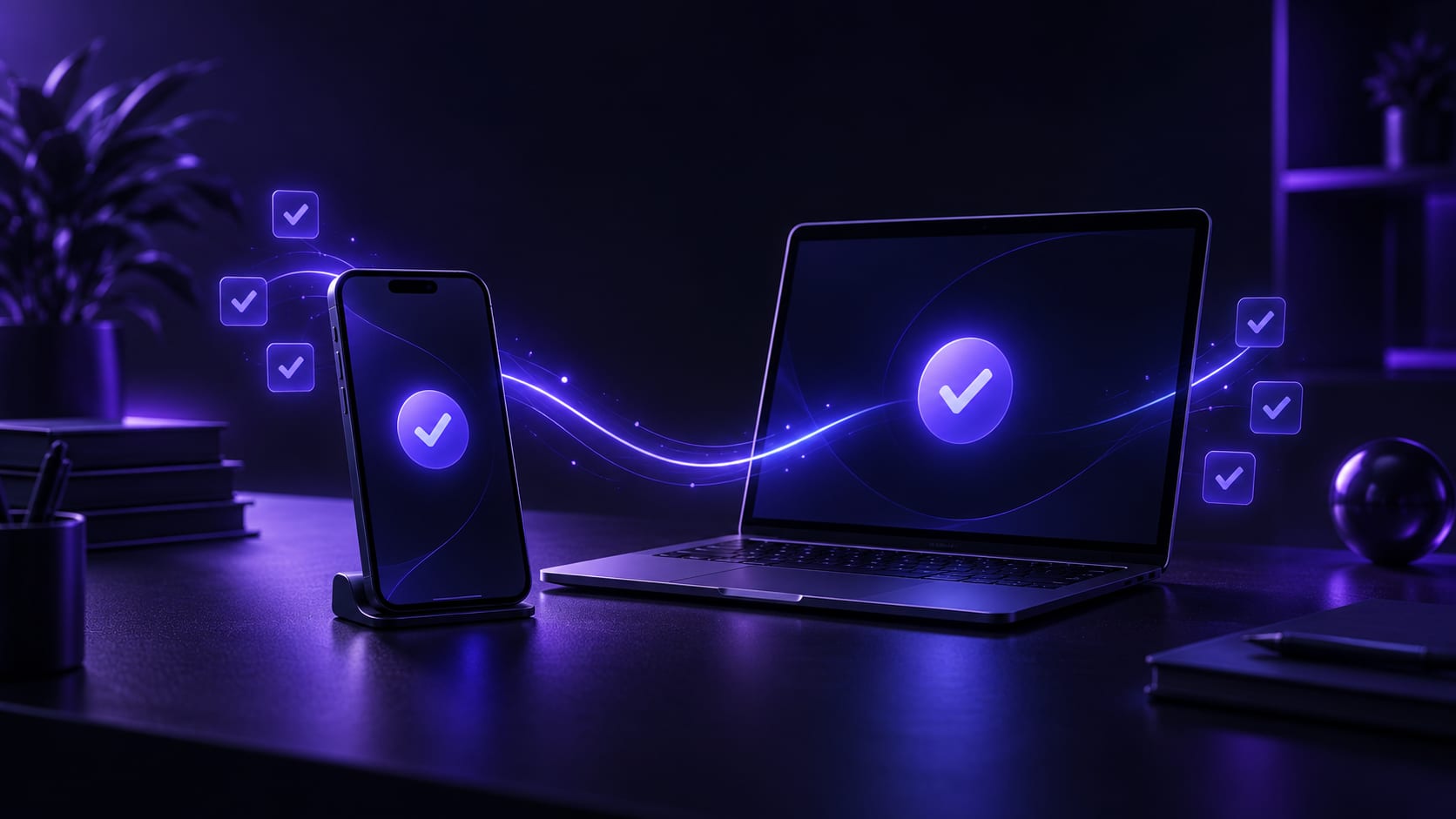


What is worth testing during a trial is not whether it connects — almost every tool clears that bar, and any app with a name people recognize gets first connections right most of the time. What actually separates them is five other things: whether it holds up for a full day, whether switching nodes goes smoothly, whether your real use case works, whether several devices can run at once, and what the refund terms say.
Most people test for two or three minutes, see a page load, and buy a long plan on the spot — then hit a drop, a stutter, or a device limit a week later and realize the trial never touched any of that, and by then they have already paid and see it differently. The five checks below are in test order, each with what to do and what result counts as a pass, and together they take about half an hour.
Why "does it connect" is not enough
Whether a tool can open a connection and whether it holds up through a normal day are two different questions. A connection takes seconds to establish, on nothing more than a basic handshake; whether the route stays stable and switching stays smooth only shows up after real use — minutes or days of it.
That is why "load one page and see" never surfaces a problem: it only shows the part every provider makes easy, since it is the part people notice first. What actually tests a route is holding up over several hours or across days, especially whether it visibly drops during a busy evening. The five checks below are what actually decides whether to keep paying.
The five things to test during a trial
Run through them in order. All five together take about half an hour, which beats redoing the decision after you have already paid.
One: leave it running for a few hours and see if it drops on its ownConnect and leave it running in the background while you browse, chat and stream normally — nothing special, just an ordinary few hours without babysitting it. No self-inflicted disconnects and no need to manually reconnect is a pass. One or two drops that reconnect by themselves are still fine — the real problem is not an occasional drop, it is being stuck on "connected" with nothing actually loading, and that is worth writing down separately.
Two: switch nodes once and see how smooth it isThe trial is exactly when to practice switching nodes, rather than doing it for the first time once you are already depending on it and in a hurry. After switching, reload a page — recovering access within a few seconds means the switching logic works. Needing thirty seconds or more, or a full app restart, is worth remembering, because normal use will likely hit the same wait.
Three: test the actual thing you need, not a random pageIf the real goal is video or a specific app, test that directly instead of just seeing whether a news site loads — that tells you nothing about what you actually care about. For video, watch whether the resolution holds at a decent level instead of dropping back repeatedly; for anything that needs to stay connected, watch whether the session holds instead of cutting out and forcing a re-login. This step is the one people skip most, yet it is the closest thing to how you will actually use it.
Four: connect the other device you actually useAfter testing on a phone, connect a laptop or tablet too, with both online at once, and watch whether they interfere with each other. How many devices one subscription covers decides whether anyone else in the house needs a separate plan or one is enough for everyone. Testing two devices together gets far closer to real use than testing one, and it is the easiest way to catch a device limit before you have already paid.
Five: find the refund terms and read them onceThis is the step people skip, and the one most worth doing before paying. Find the refund guarantee, check the window in days, and see whether it needs a support request — what a refund guarantee actually covers walks through the parts of the terms people miss most often. Do this during the trial, not after something goes wrong and you are hunting for where the terms even live.
Traps that are easy to fall into while testing
A few habits look like testing and actually test nothing, while leaving a false sense that everything is fine.
- Testing once, under the best possible conditions, never at a weak-signal moment or during peak evening hours — exactly when problems are most likely
- Testing that a page loads and stopping there, without testing the thing actually needed, then finding out after buying that the one app you use is the one that struggles
- Switching only to another node in the same region, never across regions, which never tests the switching logic itself
- Buying the longest plan before the trial period is even over, which skips every check above for the sake of convenience
- Concluding "it works" from one successful connection instead of a real stretch of use — the single most common and most overlooked habit on this list
What counts as a pass
A pass is not a good-looking number — it is using it without surprises. Video holding a steady resolution instead of dropping repeatedly is a pass. A chat arriving continuously instead of word by word is a pass. Recovering within seconds after switching nodes is a pass too.
On the other hand, a speed test can show an impressive number while browsing still stutters — the number never told you whether the route stays steady. Why a speed test can look fine while everything still lags covers exactly where that gap comes from. Trust the feel of a real stretch of use over any single peak number a speed test happened to catch.
When to stop and try something else instead
If three or more of the five checks fail, and switching nodes and waiting a few hours does not change the pattern, there is no reason to keep negotiating with one tool. A free trial exists to filter, and filtering something out is just as useful as finding the one that fits.
Worth noting: some problems survive a switch to any tool — an account restricted by the destination site itself, or a device with a broken network driver, have nothing to do with which provider you tried. Telling "this one is not it" apart from "the problem is not the tool" saves a lot of wasted attempts and stops a cycle of retrials that never finds the actual cause. The quick check: if two or three nodes in different regions all show the same symptom, it is safe to rule out one unlucky node.
What FastOrange's trial actually covers
FastOrange gives every registered account free trial time every day, no extra request needed — enough to work through all five checks above. Connecting and switching nodes are both one tap, so there is nothing to configure first, and the trial shows the same experience as regular use rather than a stripped-down preview.
Run through these five during the trial, then decide whether to move up to a VIP plan for higher speed and more devices — that beats deciding on a first impression alone, since a long-term plan is really a bet on the next few months of use, not the first page load.
In summary
What the trial is actually for is testing stability, switching, a real use case, multiple devices and the refund terms — not just seeing whether one page loads. Half an hour spent on those five, in order, leaves a far clearer read on whether to keep paying, instead of finding out the hard way after committing.
If price is also part of the decision, is a cheap VPN worth it covers where a cheap plan usually cuts corners — the two are worth reading together.


 High speed
 Millions of users
 24/7 Support
Get the Fast Orange App
One App. Every Platform. A More Stable Connection.
Available for Windows, macOS, Android, and iOS. Use One Account Across All Your Devices and Start with a Free Trial.
High speedMillions of users24/7 SupportDownload Fast Orange
 Choose your platform
Download Fast Orange
Switch between Windows, Android, iOS, and macOS




