




Keep Your Accounts Safe Before and After You Travel

Most account trouble around a trip isn't a cracked password — it's a changed environment: a different network, a different signal, a login from somewhere new. Risk systems notice. This guide covers what to check before you leave, what to watch for once you land, and what's easy to forget once you're back.


Account trouble around a trip is rarely a cracked password — it's usually that the surroundings changed: a different network, a different signal, a login from somewhere new. The risk systems behind banking and email accounts notice these shifts, and they tend to react more cautiously than people expect.
This guide sticks to one thing: account security. What to confirm before you leave, what to watch for once you land, and what's easy to forget once you're back — taken in that order, it's easier to follow than one long list. A network tool worth using is usually near the top of that list, and the reasoning comes later, but account security was never something one app could fully cover on its own.
Why crossing a border changes anything at all
You're still you, and the password hasn't changed, but from the system's side several signals shift at once: the network, the rough location, sometimes even the phone signal itself. Risk systems read those signals to judge whether a login looks like your usual pattern, and more shifted signals means more extra checks — that's the design working as intended, not something broken.
The one most people overlook, and the most annoying one, is the SMS code. A mainland number roaming abroad may or may not receive text messages reliably, depending on carrier and destination, and gaps are common. If two-factor is tied to text messages alone, missing a code at exactly the moment you need to log in is one of the most common account problems abroad — and it usually gets blamed on the network or the VPN instead.
It's not only banks. Email and social accounts ask the same extra questions when the login location suddenly changes, sometimes asking you to confirm a login from days ago or answer something only you would know. Those extra steps are annoying, but the point is confirming it's really you — going along with them is faster than trying to route around them, and less likely to leave the account harder to get into afterward.
Before you leave, confirm these
Switch two-factor to something that doesn't need local signalDeal with the SMS code problem before departure rather than after missing one. Most common services support switching to an authenticator app instead, which generates codes entirely on the device — no signal, no network, works the same with zero bars. Once you switch, back up the authenticator data or set it up on a second device too — losing the one phone that also held your only authenticator is one of the more frustrating things that can happen abroad.
Write down how to recover each accountMost accounts have a backup email or a handful of recovery codes set at signup that never get used — check before you leave that they still work and can still receive mail. Written down somewhere offline beats a screenshot on your phone, since losing the phone loses the screenshot too. Worth checking, while you're at it, whether an account offers device-login management, so you can glance back during the trip and see if anything unfamiliar logged in.
Test the network tool before you need itVPN recommendations near the top of every travel checklist exist for a reason, but a recommendation is not the same as testing it yourself. Connect on your home network while it's stable, open the sites you actually use, log into one account, and confirm it all works before you leave — that beats troubleshooting after landing by a wide margin. Open a few regular sites and apps rather than just a homepage; it gets closer to how you'll actually use it once there. Six things worth checking before picking a VPN in China covers how to judge one before committing.
Tell your card issuer you're leavingMost cards and payment apps let you register upcoming travel in advance, so a charge suddenly appearing in another country doesn't get read as fraud and frozen on the spot. It takes two minutes and can save a frozen card and an international call to sort it out. If the card doesn't offer that option, save the issuer's support number before you go — reaching them fast beats waiting on an email reply from abroad.
Habits that help once you've landed
- Avoid logging into sensitive accounts directly over hotel or airport Wi-Fi — anyone can join those networks, and security and privacy covers what's actually at risk on public ones.
- Airport and hotel Wi-Fi often asks you to "log in" with an email or phone number before it lets you online. That portal has nothing to do with your real accounts, so don't reuse a password you actually care about — a throwaway email address is the safer habit here.
- Switching to a local eSIM or a temporary number means accounts tied to SMS verification on your home number may stop receiving codes — one more reason to switch to an authenticator app before you go.
- Stay on one node instead of hopping between them out of impatience. An account seeing the login location jump around draws more scrutiny than one held steady in one place.
- Check "new device" or "unusual activity" alerts as soon as they arrive rather than leaving them for after the trip.
- Airport check-in counters and hotel business-center computers you borrow to print something or check email should be logged out by hand the moment you're done — closing the browser window isn't the same thing, and a shared computer usually won't clear the session on its own.
Once you're back, don't assume it's over
- Logged into anything from a hotel business center or a borrowed computer? Log that session out first thing once you're home, and glance at the account's device list for anything unfamiliar while you're there.
- Change any password you typed or said aloud somewhere not fully private. No need to change everything — just the one that was actually exposed.
- Turn off any "trust this device" permission you granted temporarily before leaving, so it doesn't sit there as an entry point you no longer need.
- If you contacted support or reset a password over a verification problem during the trip, double-check afterward that you didn't quietly reset it back to the old, easier-to-guess one.
What a VPN covers, and what's still on you
A network tool can make the connection steadier abroad and make content on public networks harder to snoop on, but whether an account gets compromised comes down to passwords and how two-factor is set up — a separate layer from which route your traffic takes. Password hygiene beyond just the VPN covers that part in full, including how to pick a two-factor method.
One scam pattern specifically targets travelers: phishing emails posing as a "visa reminder," a "flight change," or even a "VPN renewal," timed for when someone's on the move and more likely to react without checking. Checking the sender's actual address and the link's real domain tells you far more than the brand name in the email ever will. How to spot phishing sites and fake VPN storefronts covers exactly how to tell these pages and emails apart from the real thing.
In summary
Account trouble around a trip is rarely a sophisticated attack — it's a handful of specific things left undone: two-factor still tied to SMS, recovery options never confirmed, one login on a network or shared computer that should have been skipped. Ten minutes against this list before departure beats sorting it out, reporting it, and calling support afterward.
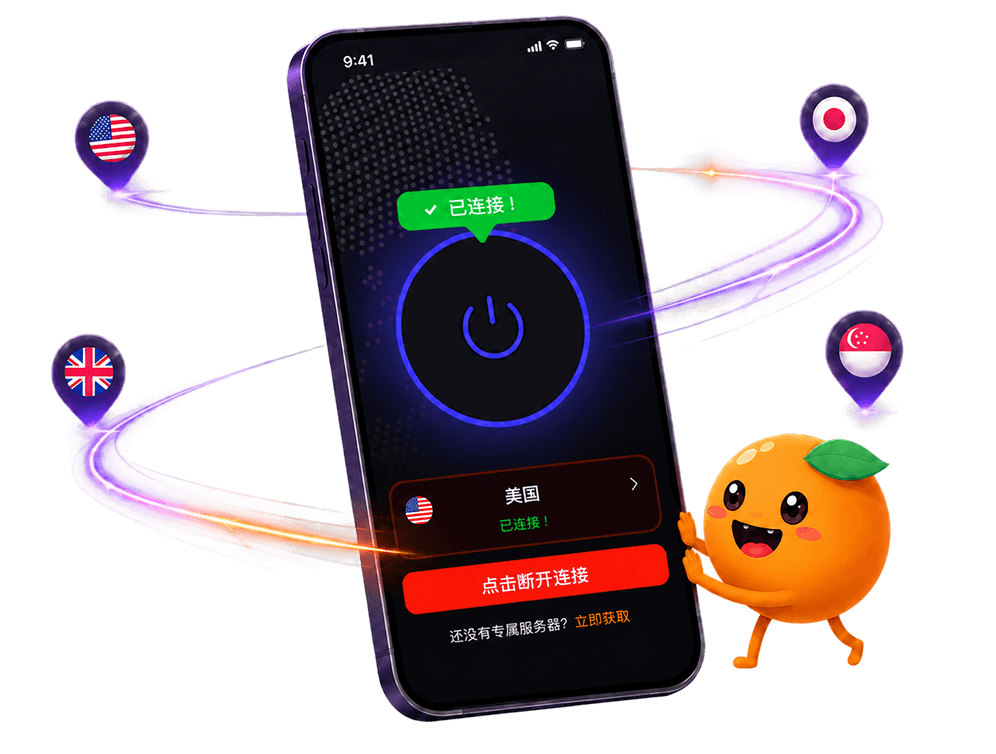
FastOrange connects in one tap and reconnects automatically when a link drops, and staying on one node for the whole trip is the least fussy way to use it. Every registered account gets free trial time each day, so it's worth testing before departure. Signing up takes a few steps, and it's ready to use the day you land.

 High speed
 Millions of users
 24/7 Support

Get the Fast Orange App
One App. Every Platform. A More Stable Connection.
Available for Windows, macOS, Android, and iOS. Use One Account Across All Your Devices and Start with a Free Trial.
High speedMillions of users24/7 SupportDownload Fast Orange
 Choose your platform
Download Fast Orange
Switch between Windows, Android, iOS, and macOS